
Home page › Manually enter weight and blood pressure
Manually enter weight and blood pressure
This feature allows you to enter your data manually when one or all of your devices are unable to connect to the app.
Note: if your kit does not include a blood pressure monitor because your doctor has disabled blood pressure measurement, the steps relating to blood pressure will not be displayed. Go straight to the ‘Weight measurement’ step.

Enter your blood pressure manually
.jpg "2 (1)")
If your data does not appear on the screen, select: 'Enter my data manually'.
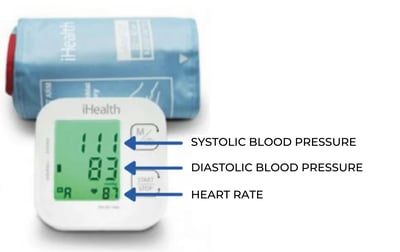
Select 'Continue' and enter your heart rate.
Enter your weight manually
If the error message "We were unable to connect to the scale. Please try again in 5 seconds " is displayed,
or if your weight is not displayed on the tablet, select : "Enter my weight manually"
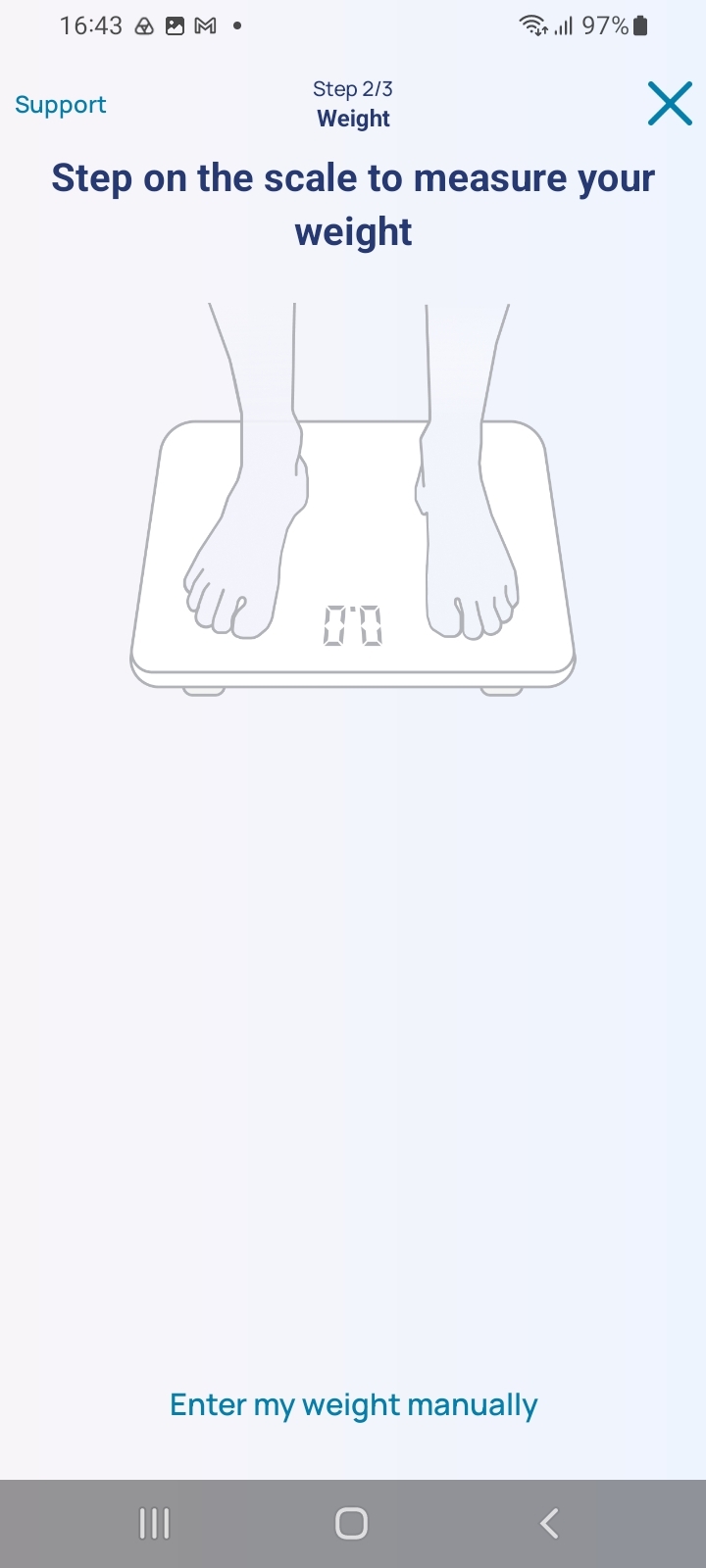
Select: ‘Continue’ to proceed to the next screen.
Answer the various questions asked.
Once you have entered all the information, submit your details.
When you have finished:
-
On the mobile app: you can simply close the app.
-
To switch off the tablet: press and hold the power button for three seconds. A window will appear; select ‘Switch off’.